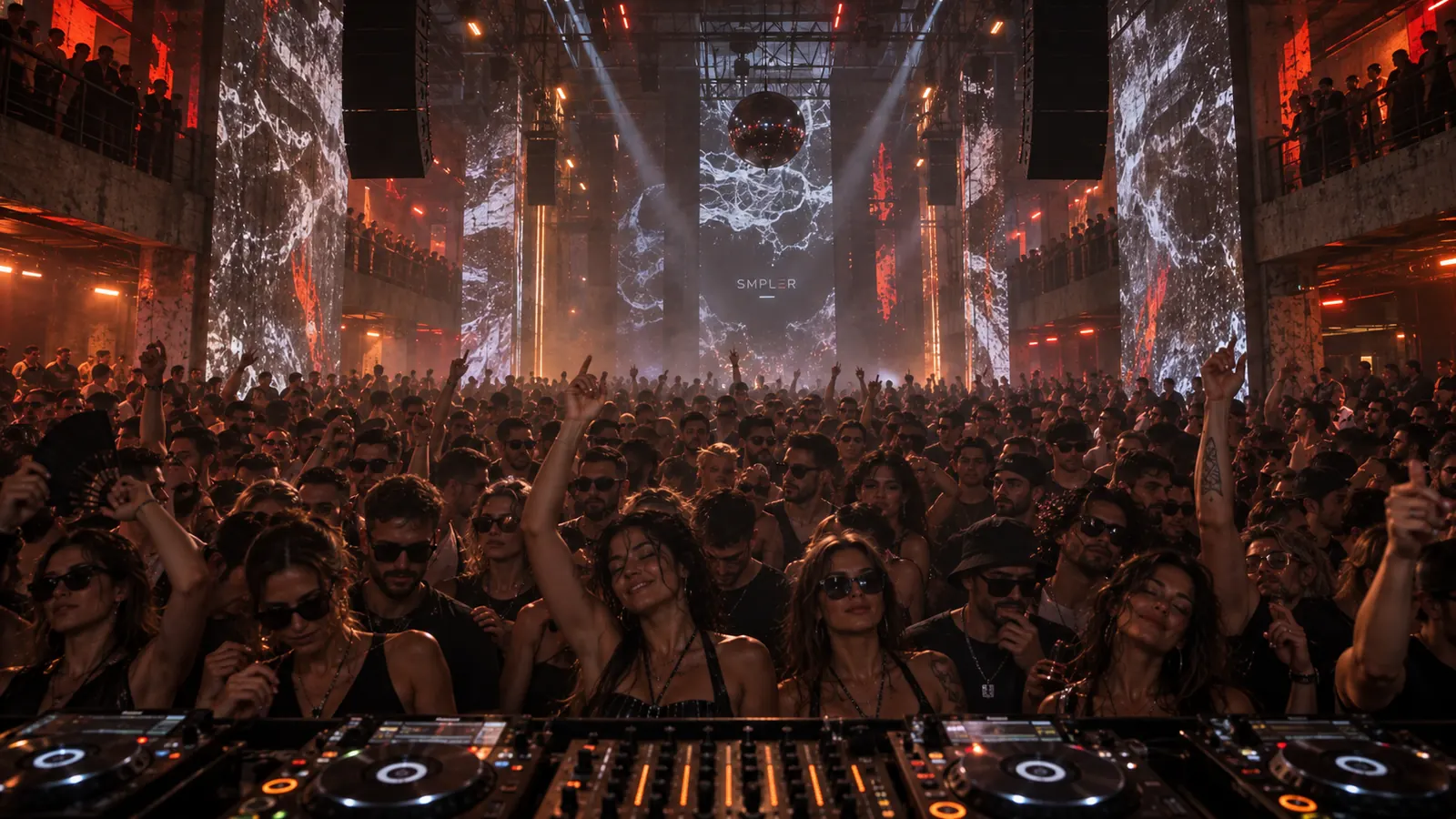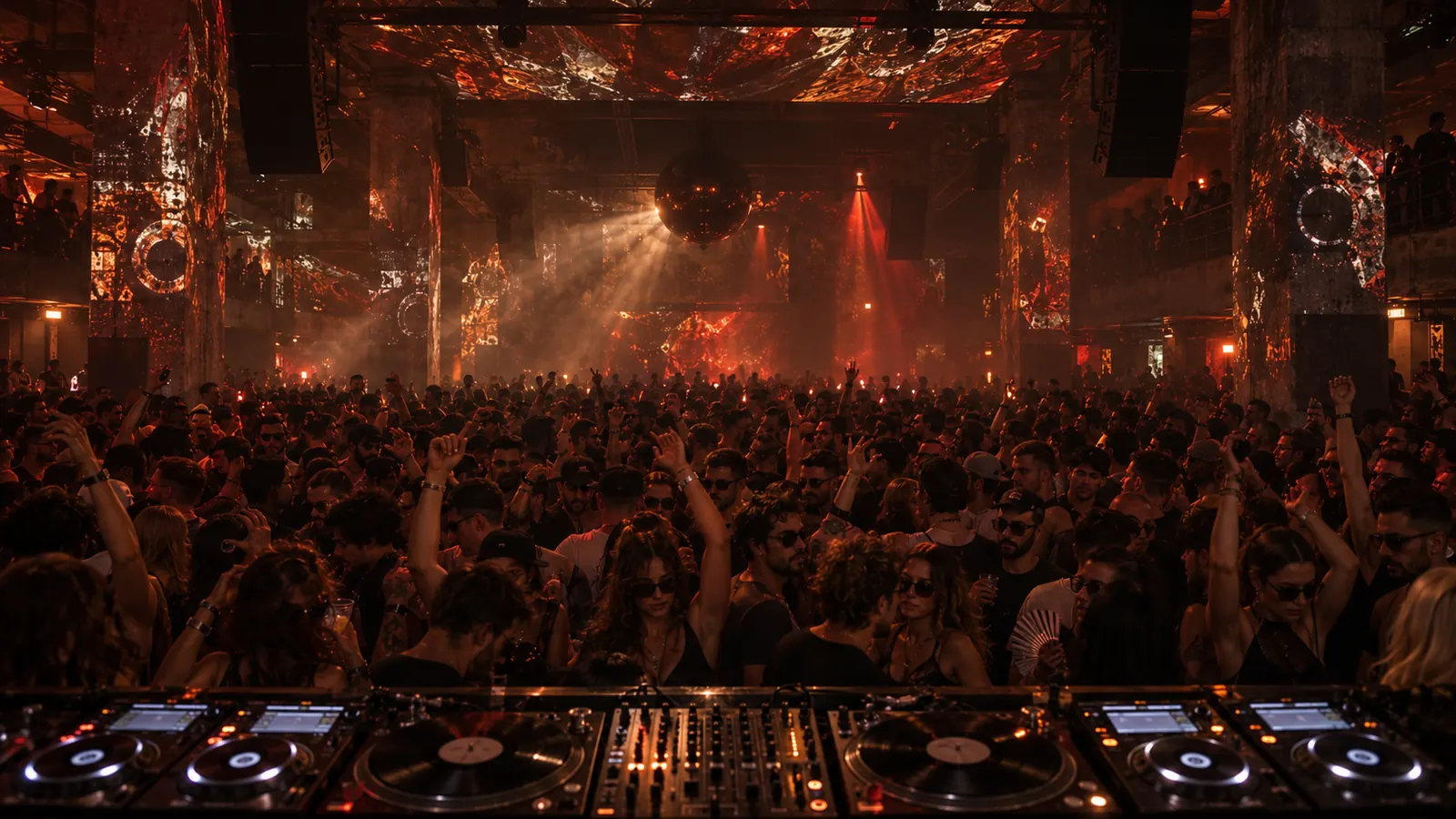
Dancefloor + Drop
PLAY THE ROOM.
Flip the phone and the interface disappears into the crowd. Arm your mutes, double-tap for the Drop and ride the machines over the room.
● SMPLER — The Live Techno Instrument
Turn your own samples into new, playable techno ideas in seconds. Find the groove, build your scenes and take them to the dance floor.
iPhone & iPad · Coming November 2026
Find your track’s sweet spot in minutes.
Your samples → RDM → Your groove → The dance floor
Start from the built-in loops, or import your own with Pro, from Files or over Wi-Fi. SMPLER locks everything to the grid.
RDM finds a new direction. RDM+ explores everything inside your machines. Long press to undo.
Shape the bass, acid, drums and textures. Save the moments you want to keep.
Switch to Dancefloor, arm your mutes, trigger the Drop and record the entire performance.
● RDM re-rolls the floor and finds your track’s sweet spot in minutes
Professionals
Import your own sound library, escape the empty timeline and discover new starting points. When the idea lands, export every machine as stems and continue inside your DAW.
First-time makers
No complicated timeline. No years of tutorials before the first result. Press Play, explore the machines and learn by hearing what every movement changes.
Dancefloor + Drop
Flip the phone and the interface disappears into the crowd. Arm your mutes, double-tap for the Drop and ride the machines over the room.
MIDI Clock out ● Master recording ● Individual stems ● Files import ● 44.1 kHz ● iPhone & iPad ● iOS 17+
SMPLER doesn’t make the music for you. → It gets you to the moment where the music begins.
SMPLER Free
SMPLER Pro Pricing at launch
One purchase. No subscription. Your recordings, stems and samples stay yours.
Every new install starts with a 7-day Discovery Week: imports, every dancefloor and all scene groups are open.
A live techno instrument for iPhone and iPad. You import your own samples, find a groove with the dice, build scenes, play the room in Dancefloor mode and record the take.
No. If you can press Play, you can play SMPLER. Everything is learned by ear, by playing.
Not yet: SMPLER 1.0 plays at 128 BPM, and every loop is tuned for it.
Yes, with Pro: from the Files app or over Wi-Fi from your computer, 30 per page. SMPLER locks them to the grid. The free version has no imports, except during the 7-day Discovery Week that opens them to every new install.
No. The dice re-rolls your samples into new combinations. If you don’t like where it lands, one long press takes you back.
Yes, with Pro: every machine exports as its own file, ready for your DAW.
Yes: SMPLER sends MIDI Clock, Start and Stop to your drum machine or sequencer, and they start together on the 1.
No — iPhone and iPad only: iPhone XR or newer, iPad with an A12 chip or newer, iOS 17 or later.
All machines and the mixer, RDM and RDM+, 3 loops per page, 3 dancefloors with the Drop and one project. Recording, export and importing your own sounds are part of Pro; imports are open to everyone during the 7-day Discovery Week.
Fifteen factory loops per page (90 in all), your own imports (30 per page), recording up to 10 minutes per take, stems export, unlimited projects, 8 scene groups, every dancefloor and a commercial license for the music you make. One purchase, no subscription; the price is revealed at launch.
No. SMPLER Pro is a one-time purchase: buy it once and it is yours. The price is revealed at launch.
In November 2026, on the App Store, for iPhone and iPad.